
The best SSL certificate monitoring tool depends on what you need to protect: a few public domains, a large uptime monitoring setup, an observability stack, or a self-hosted workflow your team fully controls.
Last reviewed: July 9, 2026.
For small teams, agencies, SaaS operators, and site owners, the right tool is often the one that checks public certificates every day, shows expiration dates clearly, and sends reminders before renewal becomes urgent. For larger engineering teams, SSL monitoring may belong inside an uptime, incident response, or observability platform.
This best SSL certificate monitoring tools guide compares products by fit, not only by feature count. Use it to decide whether you need a focused SSL monitor, a broader uptime suite, an enterprise platform, or an open-source setup.
If you only need to inspect one certificate right now, start with the free SSL certificate checker. If you already know the domain matters after today, use SSL certificate expiration monitoring so renewal risk stays visible.
Quick picks by use case
| Use case | Best-fit tool type | Tools to evaluate |
|---|---|---|
| A small team wants simple expiry reminders | Focused hosted SSL monitor | PulseSSL, TrackSSL |
| An agency tracks public client domains | Focused SSL monitor or uptime suite | PulseSSL, UptimeRobot, StatusCake, Oh Dear |
| SSL is one part of uptime monitoring | Uptime monitoring suite | UptimeRobot, Better Stack, StatusCake, Oh Dear |
| SSL checks belong in observability | Synthetic monitoring or APM platform | Datadog, Sematext, Dotcom-Monitor |
| The team requires self-hosting | Open-source or script workflow | Uptime Kuma, Prometheus exporters, custom scripts |
| Certificate governance is the bigger problem | Certificate management or enterprise monitoring | TrackSSL, SolarWinds, enterprise certificate tools |
There is no single winner for every team. A lightweight SSL monitor can be better than a full observability platform when your main problem is missed renewals across public domains. A full platform can be better when certificate checks must sit beside synthetic tests, incident workflows, logs, traces, or internal infrastructure monitoring.
What to look for in SSL certificate monitoring tools
Before comparing names, compare the job each tool must do.
| Criterion | Why it matters |
|---|---|
| Expiration checks | The tool should show when each certificate expires and how many days remain. |
| Reminder windows | Alerts should arrive early enough to renew, verify, and recheck the live certificate. |
| Hostname validation | A certificate can be unexpired but still wrong for the hostname users visit. |
| Issuer and chain visibility | Issuer, chain, and certificate changes help explain what happened during renewals or hosting moves. |
| Alert delivery | Email may be enough for a small team; larger teams may need Slack, Teams, PagerDuty, Opsgenie, or on-call routing. |
| Multi-domain workflow | Domain limits, workspace visibility, owners, and exports matter when you manage many hostnames. |
| Public vs internal coverage | Some tools check public endpoints only; others can monitor private/internal certificates through agents or network access. |
| Maintenance burden | Hosted tools remove infrastructure work; open-source tools give control but need ownership. |
The most common mistake is choosing based on the longest feature list. If the tool is too heavy for the owner who must maintain it, renewal risk can still fall through the cracks.
1. PulseSSL
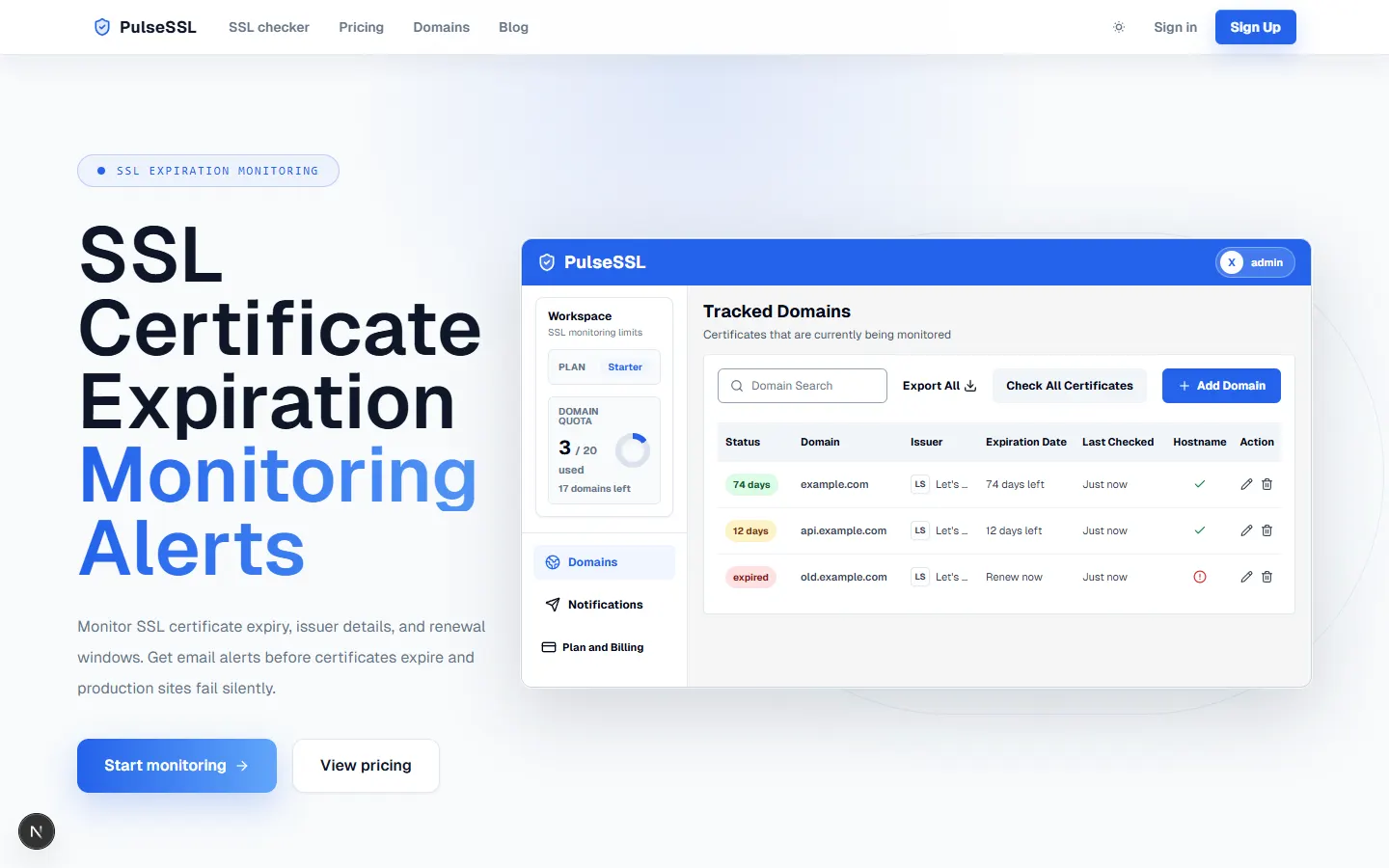
PulseSSL is best for teams that want focused SSL certificate expiration monitoring for public domains and hostnames without running scripts or a full monitoring platform.
Use PulseSSL when you want to:
- Check public SSL certificates from a browser.
- Save important domains for daily monitoring.
- See expiration dates, days remaining, issuer details, hostname status, and latest check state.
- Get email reminders before certificates expire.
- Monitor a small number of domains for free before upgrading.
PulseSSL is intentionally narrower than an enterprise observability platform. It is a good fit when the problem is clear: production sites, APIs, checkout pages, docs, auth pages, or client domains need daily SSL checks and renewal reminders.
Choose something else if you need private/internal certificate agents, Certificate Transparency monitoring, certificate issuance, auto-renewal, PKI lifecycle management, or incident escalation integrations that are not part of PulseSSL today.
Start with the free SSL certificate checker, or monitor up to 2 domains for free.
2. TrackSSL
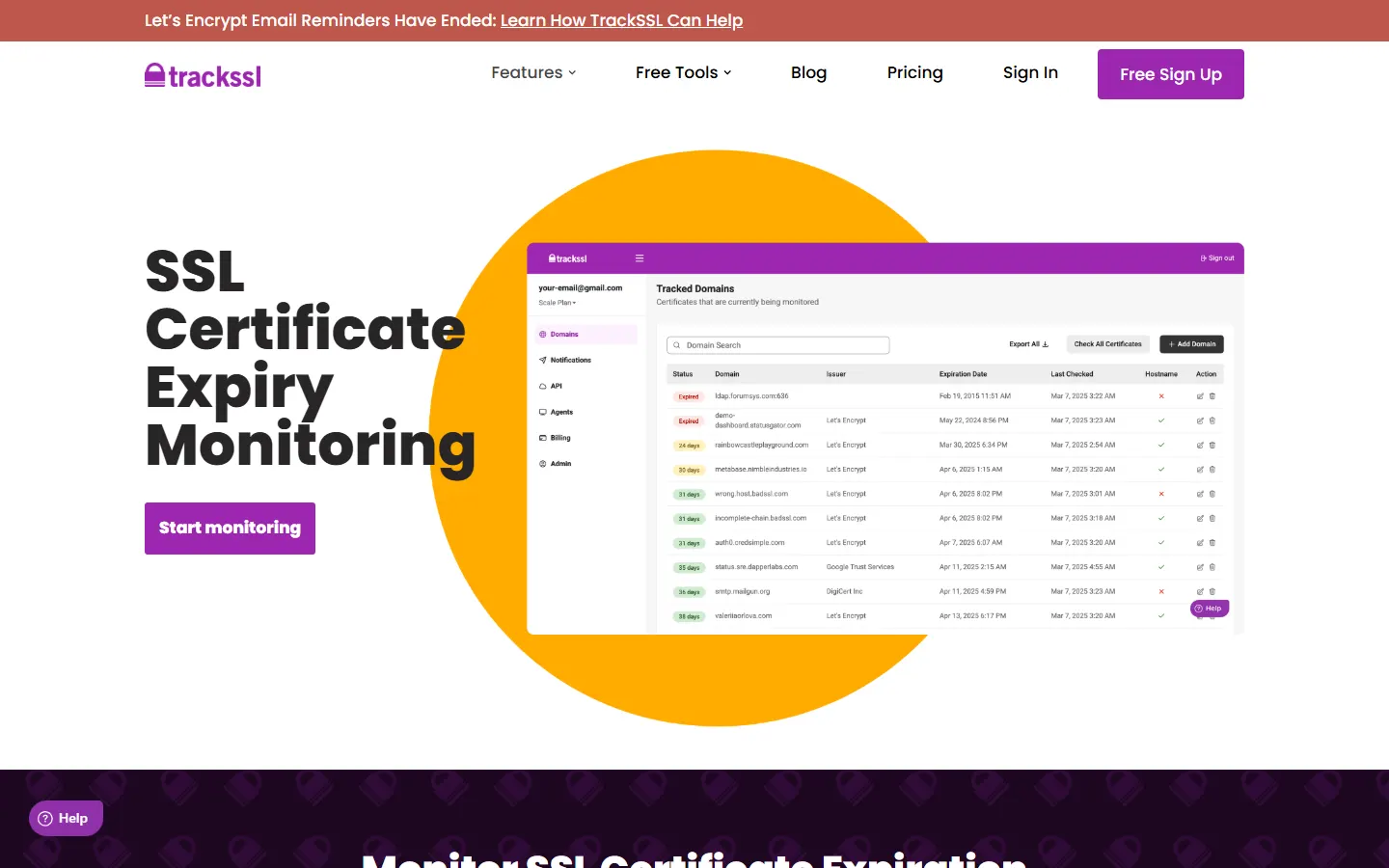
TrackSSL is a dedicated SSL certificate monitoring product. Its public pages describe monitoring for certificate expiration, certificate changes, and certificate-related issues. TrackSSL also has pages for internal, private, and self-signed certificate monitoring, which makes it broader than a public-domain-only monitor.
TrackSSL is worth evaluating when you want a purpose-built SSL monitoring product and need to compare support for certificate change tracking, internal/private monitoring, notification channels, and certificate-focused workflows.
The trade-off is the same as with any specialized tool: it may be a strong fit for certificate monitoring, but it will not replace a broader observability or incident management platform if your team needs logs, traces, application performance monitoring, or on-call escalation.
3. UptimeRobot
UptimeRobot is best known as an uptime monitoring platform, and SSL monitoring fits naturally beside HTTP, keyword, ping, port, and cron monitoring. Its SSL monitoring pages describe certificate expiration and SSL error monitoring for websites.
UptimeRobot is a good fit when SSL certificate monitoring is one check in a broader availability workflow. If your team already wants uptime checks, status pages, and incident communication, adding SSL checks inside the same tool can be practical.
It may be less focused if all you want is a clean certificate inventory and renewal reminder workflow. In that case, a dedicated SSL monitor can be easier for non-ops owners to understand.
4. Better Stack
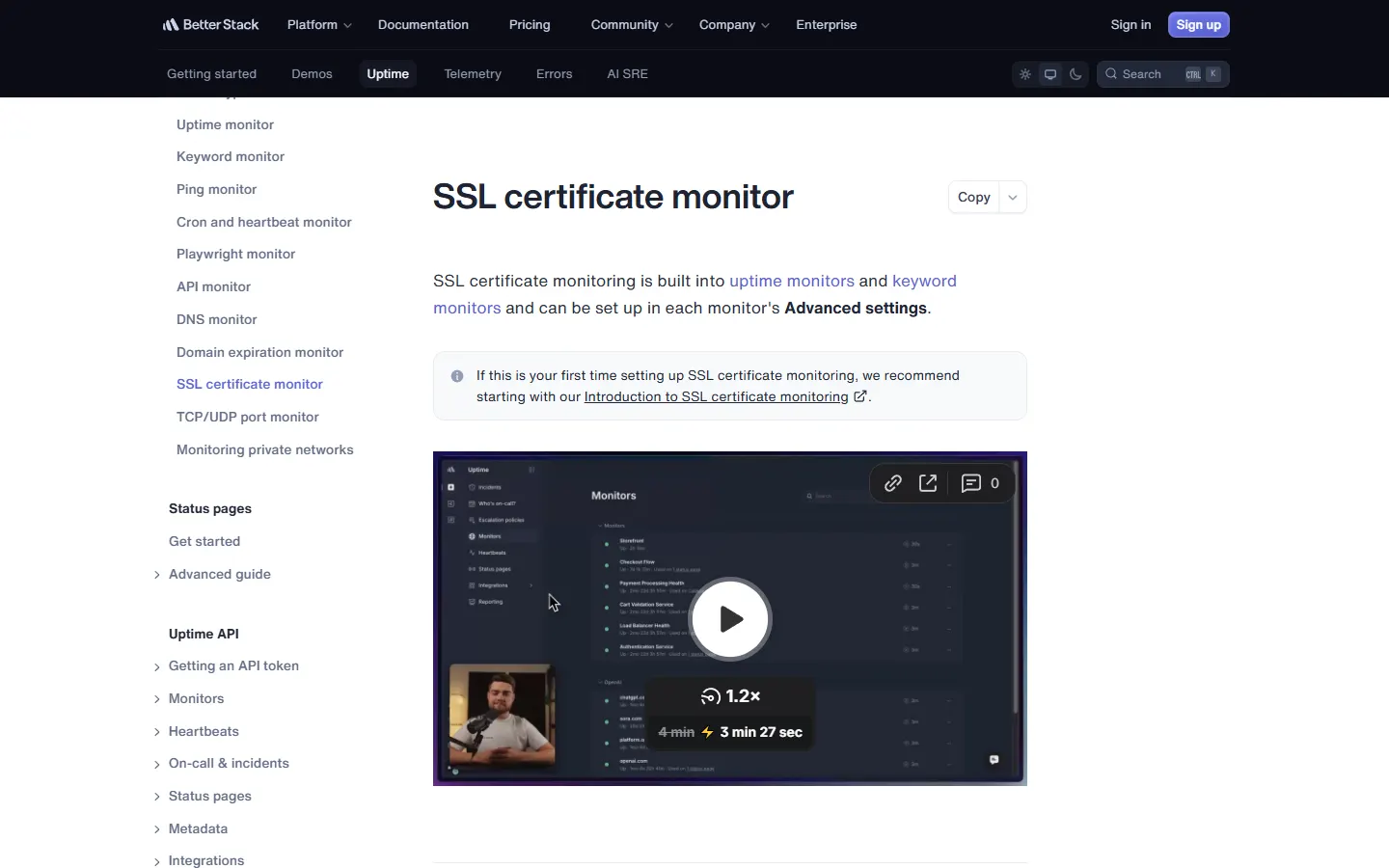
Better Stack includes SSL certificate monitoring inside uptime and keyword monitors. Its documentation describes checks for certificate validity and expiration, configured through monitor settings.
Better Stack is a good fit when SSL monitoring should connect to uptime checks, alerting, incident timelines, status pages, and engineering workflows. It is especially relevant for teams already using Better Stack for availability or incident response.
The trade-off is scope. If your only need is public SSL expiry reminders for a few domains, a broader incident and observability platform may be more than you need.
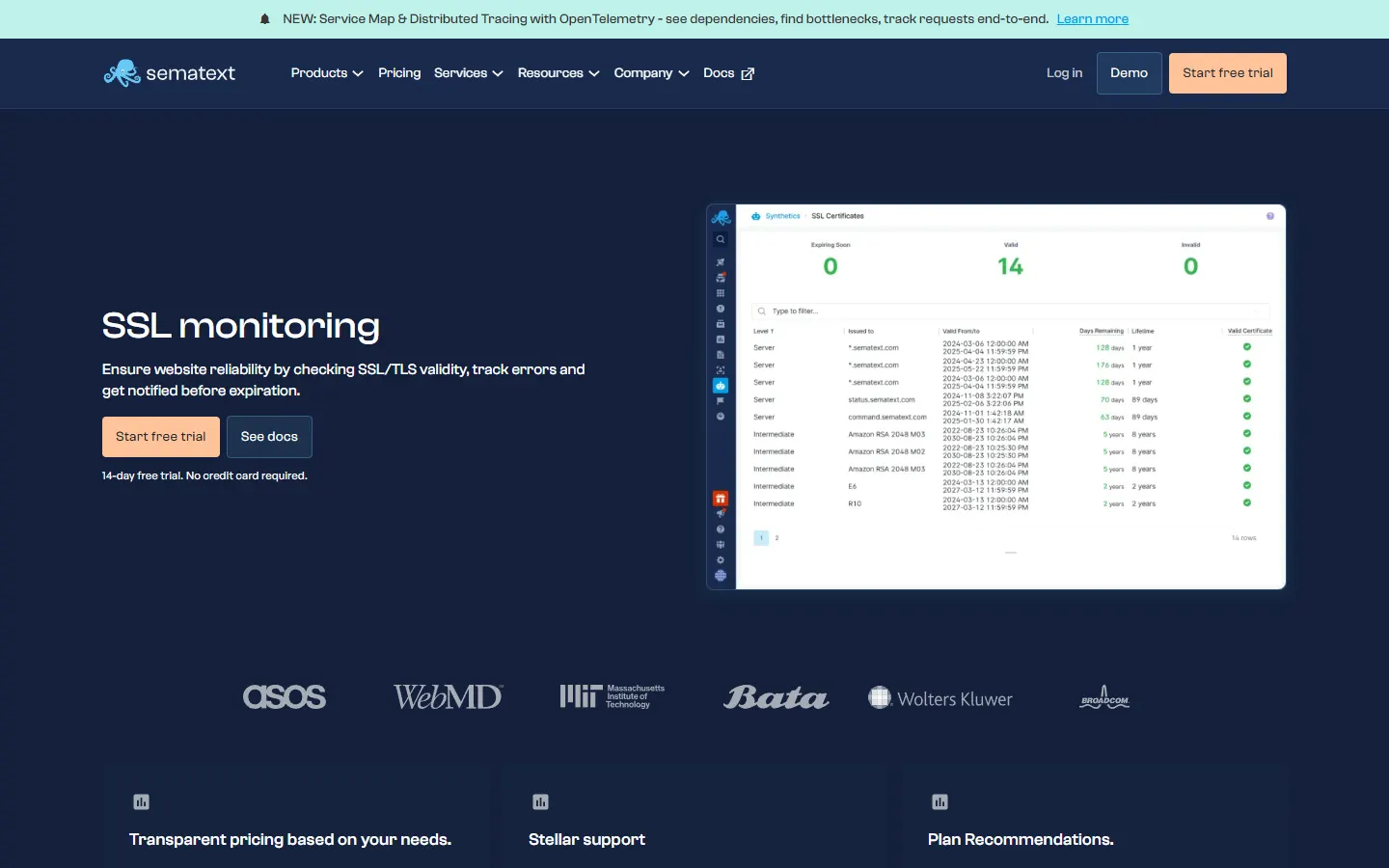
5. Sematext
Sematext provides SSL certificate monitoring as part of its synthetic monitoring capabilities. Its documentation describes certificate validation, expiry checks, certificate change checks, certificate authority checks, and chain monitoring.
Sematext is a strong candidate when certificate checks belong next to synthetic tests and monitoring for APIs, websites, and user journeys. It can be a better fit for engineering teams that already think in terms of monitors, hooks, and platform-level observability.
For small teams that only need a visible list of public certificates and reminders, the extra platform depth may be unnecessary.
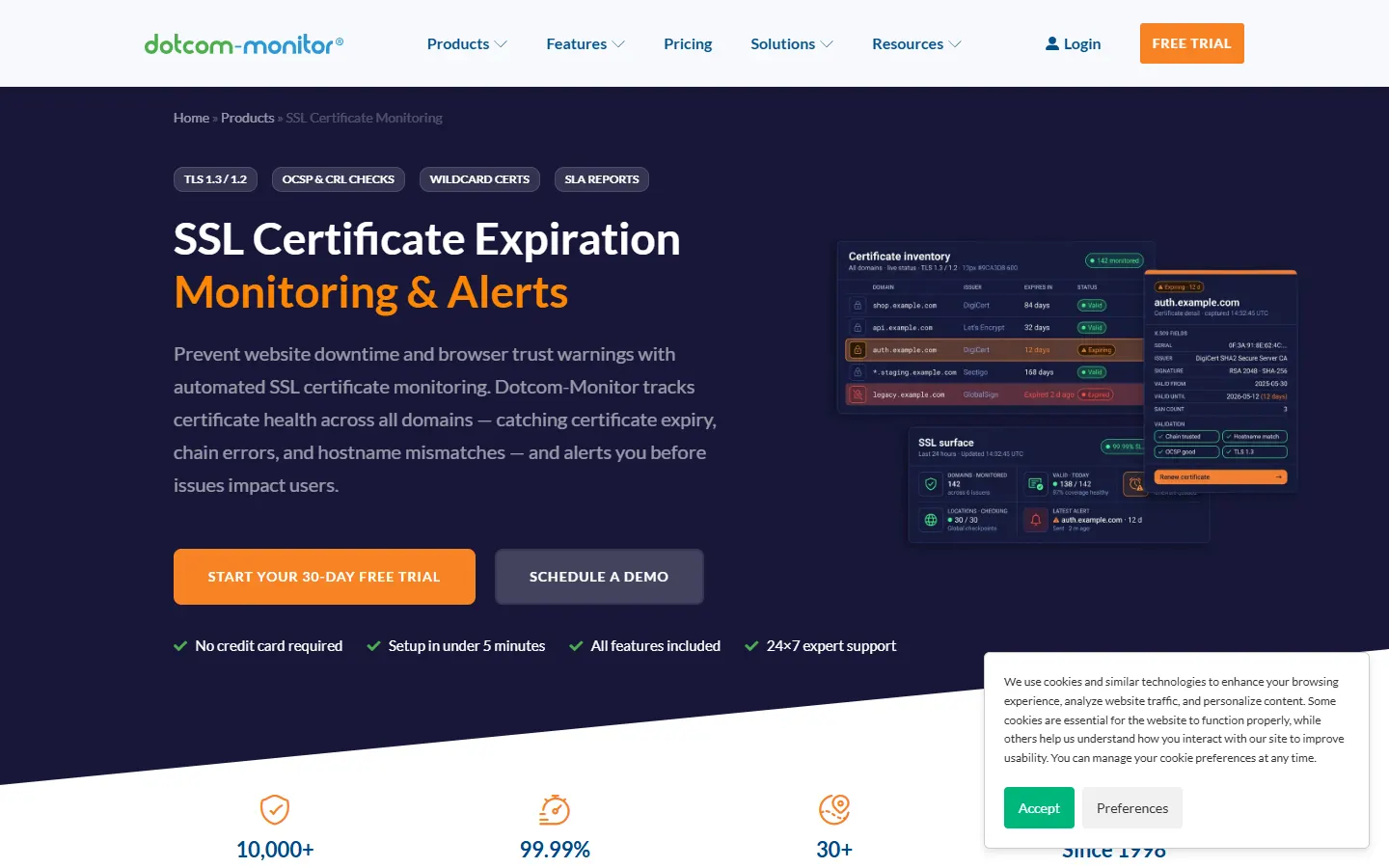
6. Dotcom-Monitor
Dotcom-Monitor offers SSL certificate monitoring inside a larger website and web application monitoring platform. Its product page emphasizes automated checks, alert thresholds, and monitoring for certificate expiry and validity issues.
Dotcom-Monitor is worth evaluating when you need SSL checks alongside web performance, availability, global monitoring, or synthetic testing. It can make sense for teams that want certificate monitoring to live inside a broader external monitoring program.
If the job is only "watch these public certificates and remind us before expiry," a smaller focused tool may be faster to adopt.
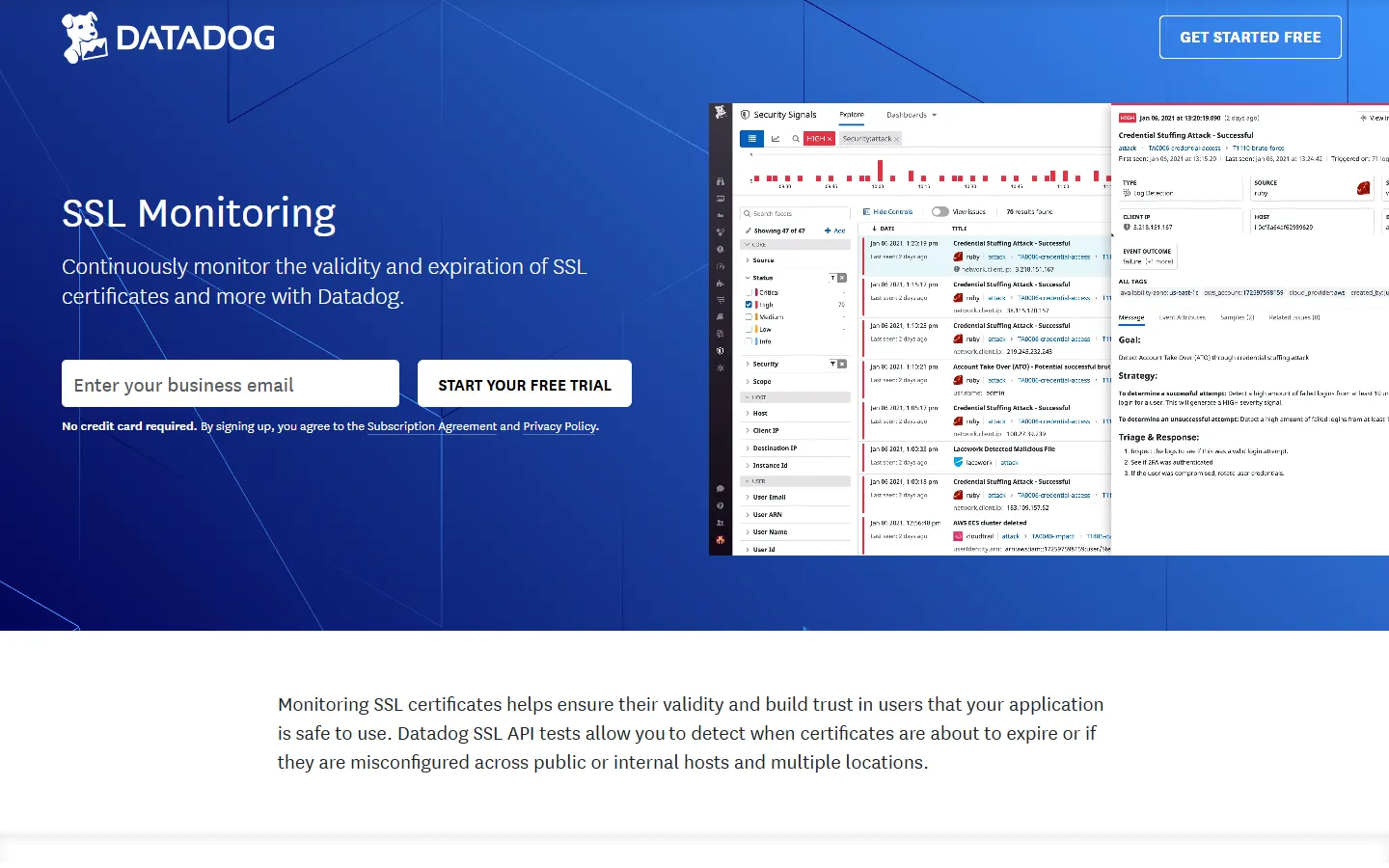
7. Datadog
Datadog SSL monitoring is best for teams already using Datadog or teams that want SSL checks inside a broad observability stack. Its SSL API testing pages describe detecting certificates that are close to expiry or misconfigured across public or internal hosts and multiple locations.
Datadog is usually a better fit for engineering organizations with existing Datadog usage, synthetic monitoring needs, dashboards, alert routing, and infrastructure observability requirements.
It is likely overkill if your team does not already need Datadog's broader monitoring platform.
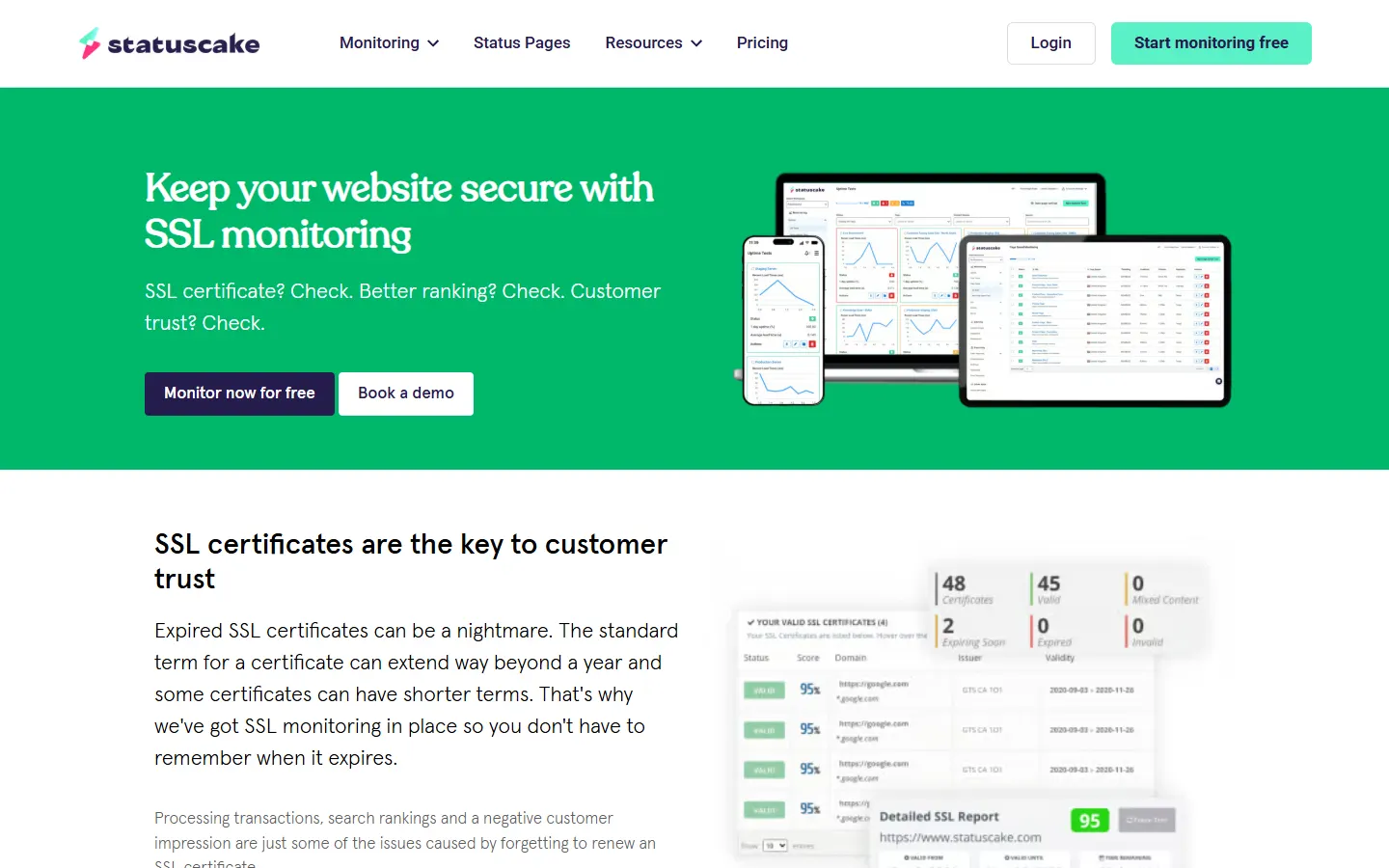
8. StatusCake
StatusCake offers SSL monitoring as part of its website monitoring suite. Its SSL page describes renewal alerts, setup by adding a URL, and alerting across multiple platforms.
StatusCake is a practical choice when you want uptime, page speed, domain monitoring, server monitoring, status pages, and SSL monitoring in one product. It can fit agencies and site owners that already monitor website availability.
The trade-off is focus. Teams that want only a lightweight SSL certificate dashboard may prefer a dedicated monitor.
9. Oh Dear
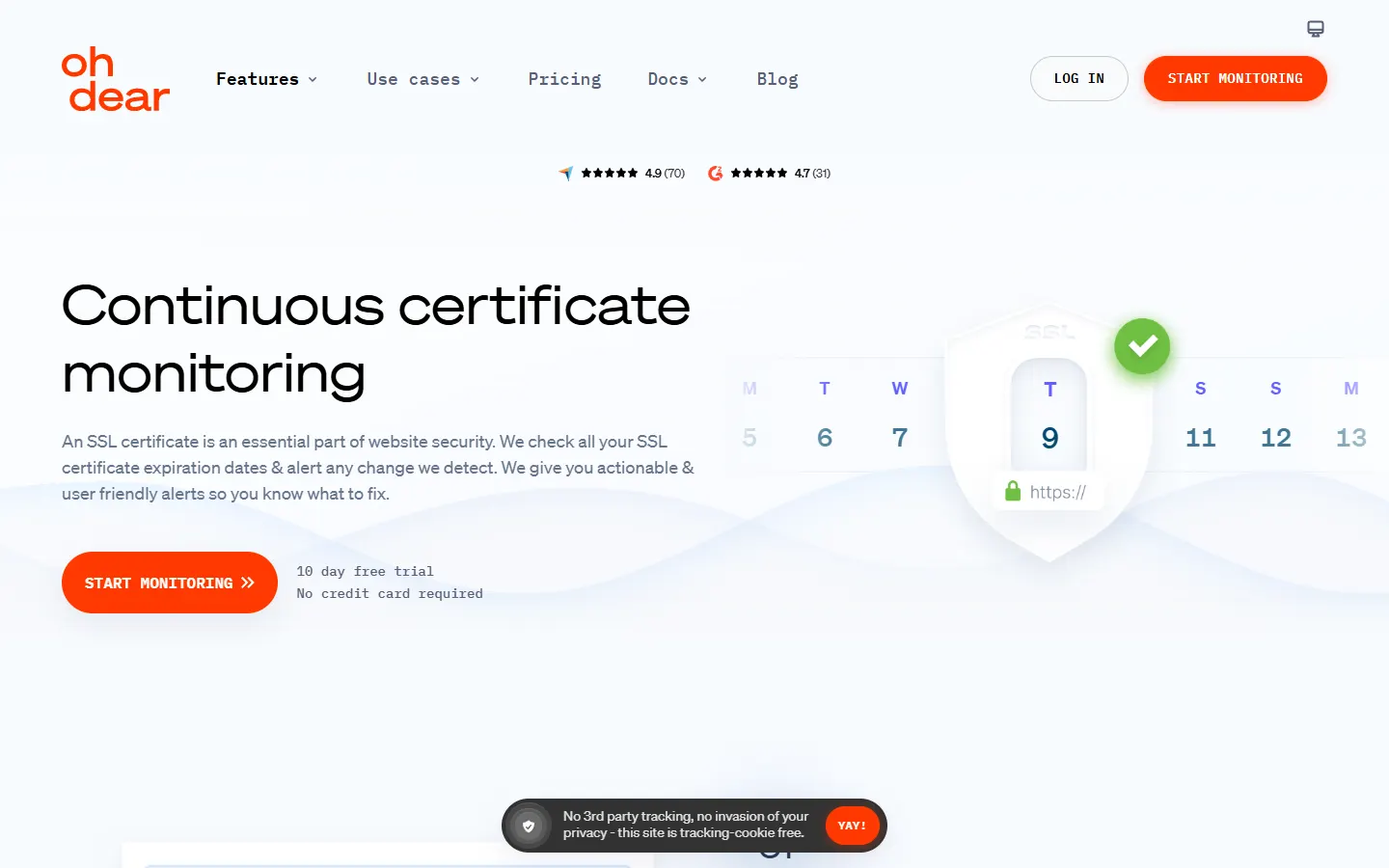
Oh Dear provides continuous certificate monitoring alongside website monitoring features. Its certificate monitoring page describes checking expiration dates, detecting certificate changes, and sending actionable alerts.
Oh Dear is useful when certificate monitoring should sit beside uptime, broken links, mixed content, DNS, performance, or other website health checks. It is a good candidate for teams that want a website monitoring suite rather than only certificate reminders.
For certificate-only workflows, compare whether the broader site monitoring bundle is helpful or unnecessary.
10. Open-source and script-based monitoring
Open-source SSL certificate monitoring can be a good choice when your team requires self-hosting, source-level control, or integration with an existing monitoring stack.
Common approaches include:
- Uptime Kuma for self-hosted website monitoring.
- Prometheus exporters or blackbox checks for teams already using Prometheus and Grafana.
- Zabbix, Nagios, Icinga, or similar infrastructure monitoring systems.
- Shell, Python, or PowerShell scripts using OpenSSL.
The advantage is control. The trade-off is ownership. You need to maintain the host, domain list, retry behavior, logs, notification delivery, alert deduplication, and updates.
If you are considering this path, read the open-source SSL certificate monitoring options guide before building your own workflow.
Hosted vs open source SSL monitoring
| Choose hosted monitoring when | Choose open source when |
|---|---|
| You want fast setup without running infrastructure. | You need source-level control or self-hosting. |
| Email reminders and a dashboard solve the problem. | Certificate checks must live inside your existing monitoring stack. |
| A small team or agency needs shared visibility. | You have an owner for updates, backups, alerts, and scripts. |
| You monitor public domains and hostnames. | You need custom ports, network paths, internal checks, or custom alert logic. |
| The goal is avoiding missed renewals. | The goal includes control, compliance, or deep integration. |
Hosted monitoring is not automatically better. Open source is not automatically cheaper. A script with no owner can be riskier than a paid tool. A hosted tool that does not meet a self-hosting requirement is the wrong fit. Start from the operational requirement.
Focused SSL monitor vs uptime suite vs observability platform
The category matters as much as the vendor.
Focused SSL monitors are best when certificates are the job. They usually have simpler setup, clearer certificate status, and fewer distractions.
Uptime suites are best when SSL is one signal among many. They can watch availability, pages, ports, DNS, domains, status pages, and certificates together.
Observability platforms are best when certificate checks need to connect with synthetic tests, service health, logs, metrics, traces, dashboards, and on-call workflows.
Enterprise certificate management tools are best when monitoring is only one part of the problem. If you also need discovery, issuance, renewal automation, policy, internal certificates, and governance, look beyond simple SSL monitoring tools.
Which SSL certificate monitoring tool should you choose?
Choose PulseSSL if you want a focused way to monitor public SSL certificate expiration, see certificate status, and receive email reminders without maintaining scripts or a full observability stack.
Choose TrackSSL if you want a dedicated certificate monitoring product and need to evaluate broader certificate-specific capabilities such as change monitoring or private/internal certificate support.
Choose UptimeRobot, StatusCake, Better Stack, or Oh Dear if SSL checks should live beside uptime, website health, status pages, and incident workflows.
Choose Sematext, Dotcom-Monitor, or Datadog if SSL monitoring belongs in a larger synthetic monitoring or observability program.
Choose open source or scripts if self-hosting and control matter more than setup speed, and your team has a clear owner for maintenance and alert delivery.
A practical evaluation checklist
Use this checklist before choosing a tool:
| Question | Why it matters |
|---|---|
| How many public domains and hostnames need monitoring? | Domain count affects pricing, setup time, and ownership. |
| Who receives certificate reminders? | Alerts only help if the right person sees them. |
| What reminder windows are needed? | Many teams want 30, 14, 7, and 1 day reminders, but high-risk domains may need more lead time. |
| Do you need internal/private certificate monitoring? | Public-only tools cannot cover private network endpoints. |
| Do you need Slack, Teams, SMS, PagerDuty, or Opsgenie? | Email is enough for some teams; on-call teams may need escalation paths. |
| Do you need uptime monitoring too? | If yes, an uptime suite may be more efficient. |
| Do you need certificate issuance or renewal automation? | Monitoring tools usually do not replace certificate management platforms. |
| Who maintains the system? | Open-source and script workflows need explicit ownership. |
Start with the smallest reliable workflow
If you are unsure, start with the smallest setup that makes certificate expiry visible before it becomes an incident.
For many teams, that means:
- Check the live certificate.
- Save important production, API, checkout, docs, auth, and client domains.
- Review expiration dates and hostname status.
- Send reminders before the renewal window becomes urgent.
- Recheck the live certificate after renewal.
PulseSSL is built for that focused path. Use the free SSL certificate checker, then start free monitoring for the domains that matter after today.
For a step-by-step workflow, read how to monitor SSL certificate expiration.
FAQ
What is the best SSL certificate monitoring tool for small teams?
For small teams, the best tool is usually the one that is easy to set up, checks certificates daily, shows expiration dates clearly, and sends reminders before renewal becomes urgent. PulseSSL is built for public-domain SSL expiration monitoring without requiring a monitoring server.
What should an SSL certificate monitoring tool check?
At minimum, it should check certificate validity, expiration date, days remaining, hostname coverage, issuer details, and latest check status. Depending on your team, you may also need chain validation, certificate change detection, internal certificate monitoring, and alert integrations.
Is uptime monitoring enough for SSL certificate expiration?
Sometimes. Uptime suites can include SSL certificate checks, which is useful if your team already monitors availability in the same tool. A focused SSL monitor can be simpler when the main job is certificate expiry visibility and renewal reminders.
Can I monitor SSL certificates for free?
Yes. Some tools include free plans or free checks. PulseSSL lets you check an SSL certificate for free and monitor up to 2 domains on the free plan with daily checks and email reminders.
Should I use open-source SSL certificate monitoring or a hosted tool?
Use open source when self-hosting, source control, or integration with an existing monitoring stack is required. Use a hosted tool when you mainly want fast setup, daily checks, a visible certificate list, and reminders without maintaining infrastructure.
Do SSL monitoring tools renew certificates automatically?
Most SSL monitoring tools do not renew certificates for you. They help you detect expiration risk and alert the right owner. Renewal still happens through your certificate authority, hosting provider, CDN, ACME client, or internal certificate process.